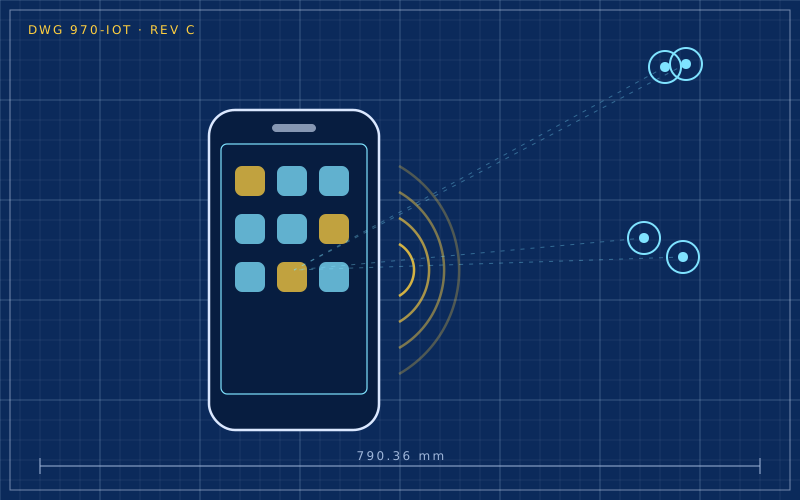
Anyone who owns smart home devices from three or four different brands knows the situation well: one app for the lights, one for the thermostat, one for the cameras, and no simple way to make them work together. Home Assistant is open source software that sits at the centre of all this. It runs on a small computer at home, talks to hundreds of different devices and services, and lets you create automations that work even without the internet.
What it is and how it thinks
Home Assistant represents every element of the house as an entity: a switch, a temperature sensor, the state of a door, even the location of a smartphone. Each entity has a state and attributes. Integrations are the modules that connect Home Assistant to a given product or protocol and create the corresponding entities.
On top of entities you build three things:
- dashboards, the control screens for phone, tablet or computer;
- automations, rules of the form "when this happens, if that is true, do this";
- scripts and scenes, sequences of actions or predefined states you can trigger with one command.
The main advantage is local logic: rules run on the computer at home, not on a remote server.
What to install it on
There are three common options.
| Option | Pros | Cons |
|---|---|---|
| official dedicated hardware | guided setup, well supported | upfront cost |
| used mini PC | excellent performance, reliable SSD | slightly higher power draw |
| Raspberry Pi | cheap, silent | SD card wears out, an SSD is better |
For beginners, the full installation type, which includes the dedicated operating system and the add-on manager, is the easiest to maintain. There are also container or virtual machine installations, suited to people who already run a home server.
A practical tip: avoid running Home Assistant on an SD card for long periods. The database writes constantly and cheap cards fail, often without warning. A small SSD costs little and solves the problem.
Integrating devices from different brands
Wi-Fi and cloud devices
Many products are discovered automatically as soon as they are on the same network. Some work locally, others only through the manufacturer's cloud: in that case Home Assistant still depends on that service. Where possible, prefer integrations that explicitly state local operation.
Zigbee
Zigbee devices need a USB coordinator stick. There are two routes: the native integration, which is simpler, or Zigbee2MQTT, a separate component that publishes devices through an MQTT broker and supports a very wide range of models. Connecting the stick with a USB extension cable, away from the computer's USB 3 ports, reduces radio interference.
Matter and Thread
Home Assistant can act as a Matter controller and, with the right hardware, as a Thread border router. This lets you add recent devices without going through manufacturers' apps.
Remote access
There are several ways to control the house from outside, with different levels of risk:
- the project's paid cloud service, which creates an encrypted tunnel without opening ports on the router;
- a VPN into the home network, a solid general-purpose solution;
- opening a port with a proxy and certificate, which is trickier to configure properly.
Exposing the interface directly to the internet without protection is the option to avoid. Whatever method you choose, you need strong passwords and two-factor authentication on user accounts.
Backups and maintenance
Home Assistant creates full backups that include configuration, database and add-ons. The weak point is where they are stored: a backup on the same disk as the system is useless if that disk fails.
A reasonable routine:
- automatic daily or weekly backups;
- a copy on another machine, a NAS or cloud storage;
- keeping the backup encryption key somewhere safe, because without it nothing can be restored;
- reading the release notes before every major update, as they sometimes flag breaking changes.
When it is not the right choice
Home Assistant takes time. For someone who only wants to turn two bulbs on from their phone, the manufacturer's app or a voice assistant is more than enough. It becomes the best solution when there are many devices from different brands and you want a house that keeps working even if a cloud service shuts down.
In short
- Home Assistant unifies devices from different brands and protocols in a single local system.
- A mini PC or a Raspberry Pi with an SSD is a more reliable base than an SD card.
- Zigbee needs a coordinator stick, ideally connected with an extension cable.
- Remote access should go through a tunnel or VPN, never by exposing the interface unprotected.
- Backups must be copied off the machine, together with their encryption key.