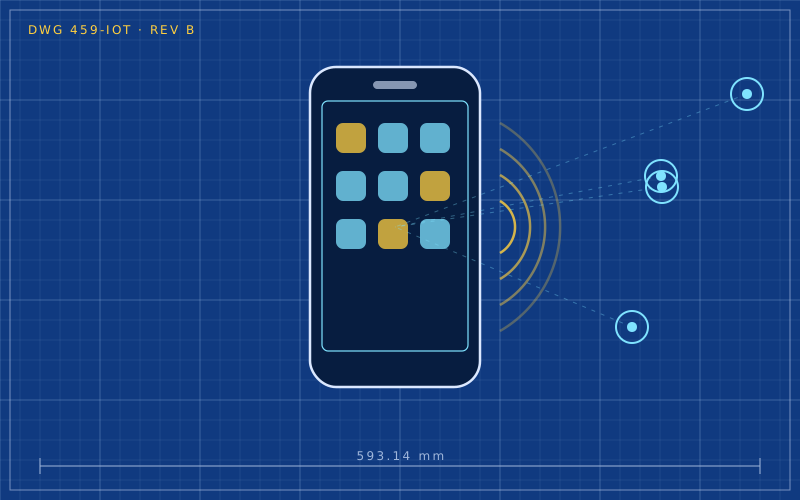
You hold your phone near the shop terminal and the payment is done. You rest the smartphone against a pair of headphones and pairing starts on its own. Both gestures rely on the same technology: NFC, Near Field Communication. It is one of the most used and least understood smartphone features, and it can do far more than most people think.
How it works
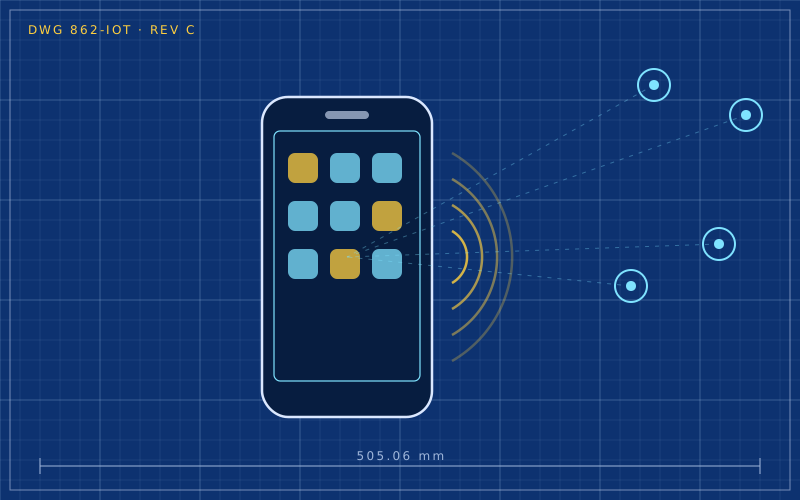
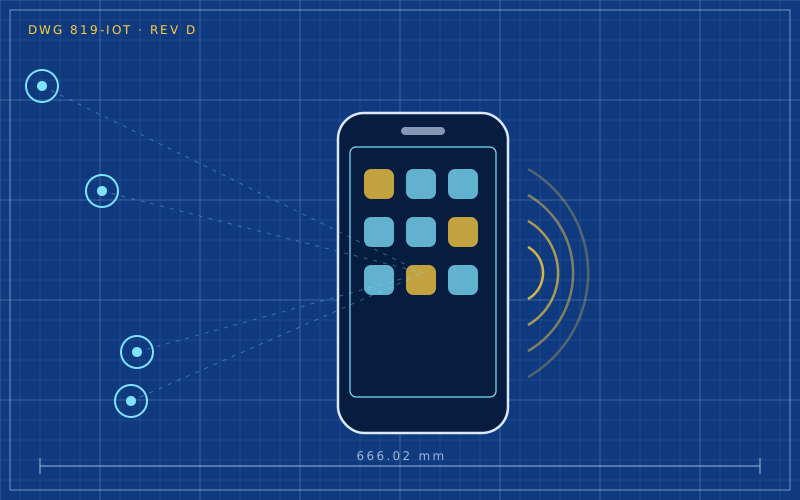
NFC operates at 13.56 MHz and relies on inductive coupling: two loop antennas, one in the phone and one in the other device, behave like the two halves of a transformer. When they are close, the magnetic field generated by one induces a current in the other.
This explains two fundamental features:
- the distance is tiny, a few centimetres: the field weakens quickly as you move away;
- a tag can work without a battery: the energy the tag's chip needs comes from the field generated by the phone.
The short range is not a limitation but a design choice. Requiring a deliberate approach makes it very hard for a communication to happen by accident.
The three modes
| Mode | What it does | Example |
|---|---|---|
| read/write | the phone reads or writes a passive tag | labels, posters, sticker tags |
| card emulation | the phone behaves like a card | payments, badges, tickets |
| peer-to-peer | two devices exchange data | quick pairing, contact sharing |
Paying with your phone
When you pay with a smartphone, the terminal does not receive the real card number. When the card is added to the digital wallet, the bank issues a token, a substitute number tied to that device. On every transaction the phone also generates a one-time cryptogram.
This brings two concrete benefits:
- if a merchant suffers a data breach, the stolen token cannot be used like a normal card;
- payment requires unlocking the phone with fingerprint, face or passcode, which a physical contactless card usually does not ask for small amounts.
That is why paying with your phone is generally better protected than using the physical card. On many phones you can choose which payment app is the default and whether to allow payment with the screen locked.
NFC tags: small everyday automations
NFC tags are stickers or key fobs containing a tiny chip with a little memory. They are cheap and can be programmed with a smartphone. When you tap them, the phone performs an action.
Some practical uses:
- bedside table: tapping the phone turns on night mode, sets the alarm and lowers brightness;
- car: a tag on the mount starts navigation and music;
- entrance: sharing the Wi-Fi network with guests without reading out the password;
- desk: starting focus mode and silencing notifications;
- smart home: a tag by the door triggers a scene on the home hub.
On iPhone these actions are set up in the Shortcuts app, under personal automations. On Android you use dedicated apps or the automations built into some manufacturers' interfaces.
Formats worth knowing
Most tags on sale use the NDEF format, which is standard and readable by almost every phone. Tags differ in memory capacity: a link or a command needs only a few bytes, while a contact card needs a little more. Many tags can be locked read-only after writing, useful for tags in public places so nobody can reprogram them.
Common problems
- The phone does not read the tag: the NFC antenna sits in a specific spot, often in the middle of the back or near the cameras. Slowly moving the phone over the tag helps find it.
- Cases with metal parts or magnetic card holders can block the signal.
- Tags on metal surfaces: an ordinary tag stuck on metal does not work; you need special tags with a shielding layer.
- NFC turned off: on Android it is a toggle in the connection settings and may have been switched off.
In short
- NFC uses inductive coupling at 13.56 MHz and only works within a few centimetres.
- Passive tags draw power from the phone and need no batteries.
- Phone payments use tokens and cryptograms, which are better protected than the real card number.
- Cheap tags enable useful automations at home, in the car and at the office.
- Metal cases and metal surfaces are the most frequent causes of failed reads.